Viewing the Session History
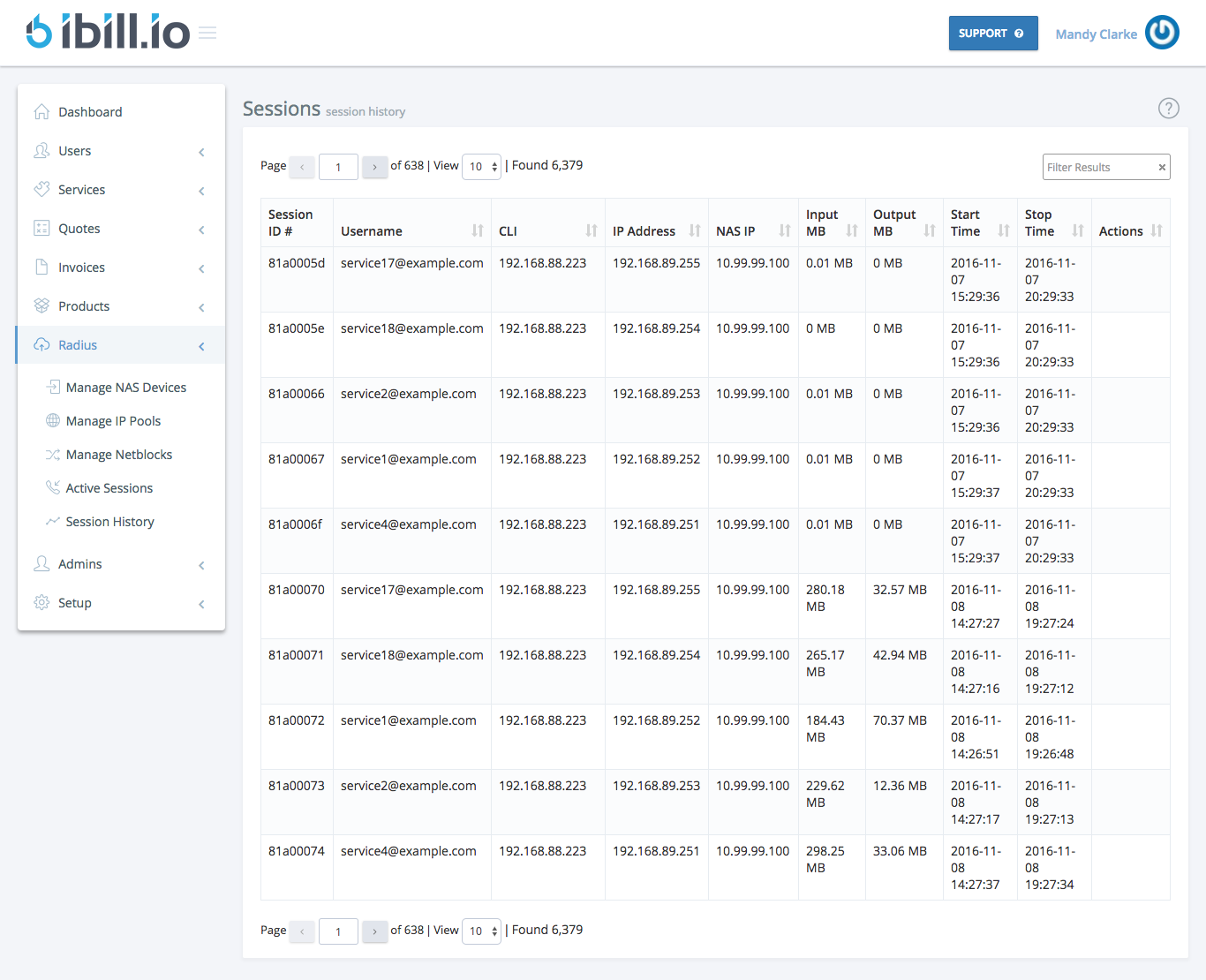
The Session History page allows you to review all past user sessions in your network. This is essential for auditing, troubleshooting, and understanding user activity over time.
What You Can See
- Session ID
- Username
- CLI
- IP Address
- NAS IP
- Input MB / Output MB
- Start Time / Stop Time
How to Use
- Browse or search for specific sessions by user, IP, or time period.
- Use session data to investigate issues, verify usage, or respond to support requests.
Best Practices
- Regularly review session history for unusual or unauthorized activity.
- Use session logs to support billing, compliance, and customer service.
For further assistance, click the support button at the top right of this page.