Create New Quote
Quotes allow you to provide customers with a detailed proposal for services or products before generating an invoice. In iBill.io, quotes are the first step in the workflow for new services, as invoices and services are created from accepted quotes.
How to Create a New Quote
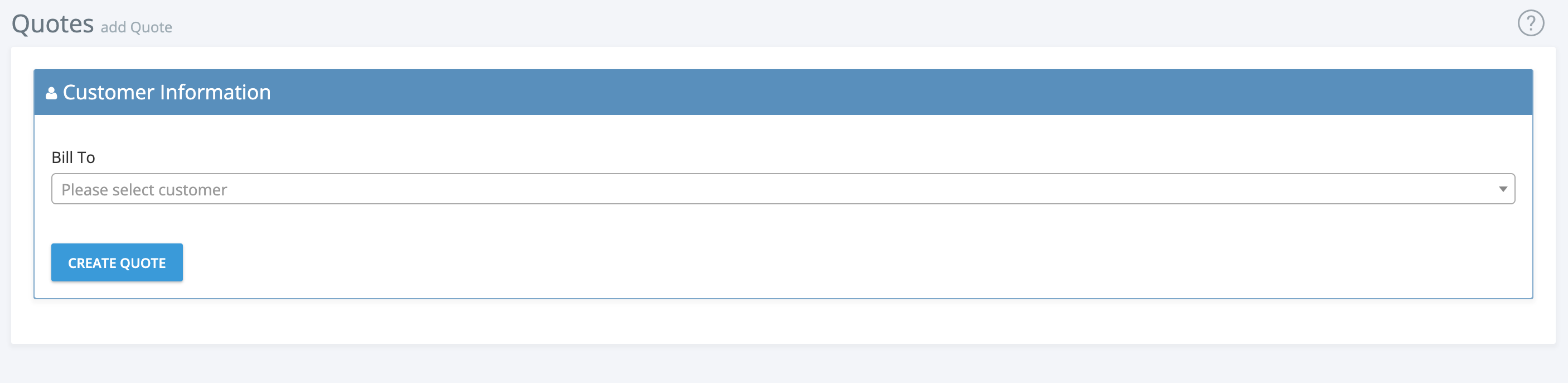
- Select Customer
-
Choose the customer for whom you want to create the quote.
-
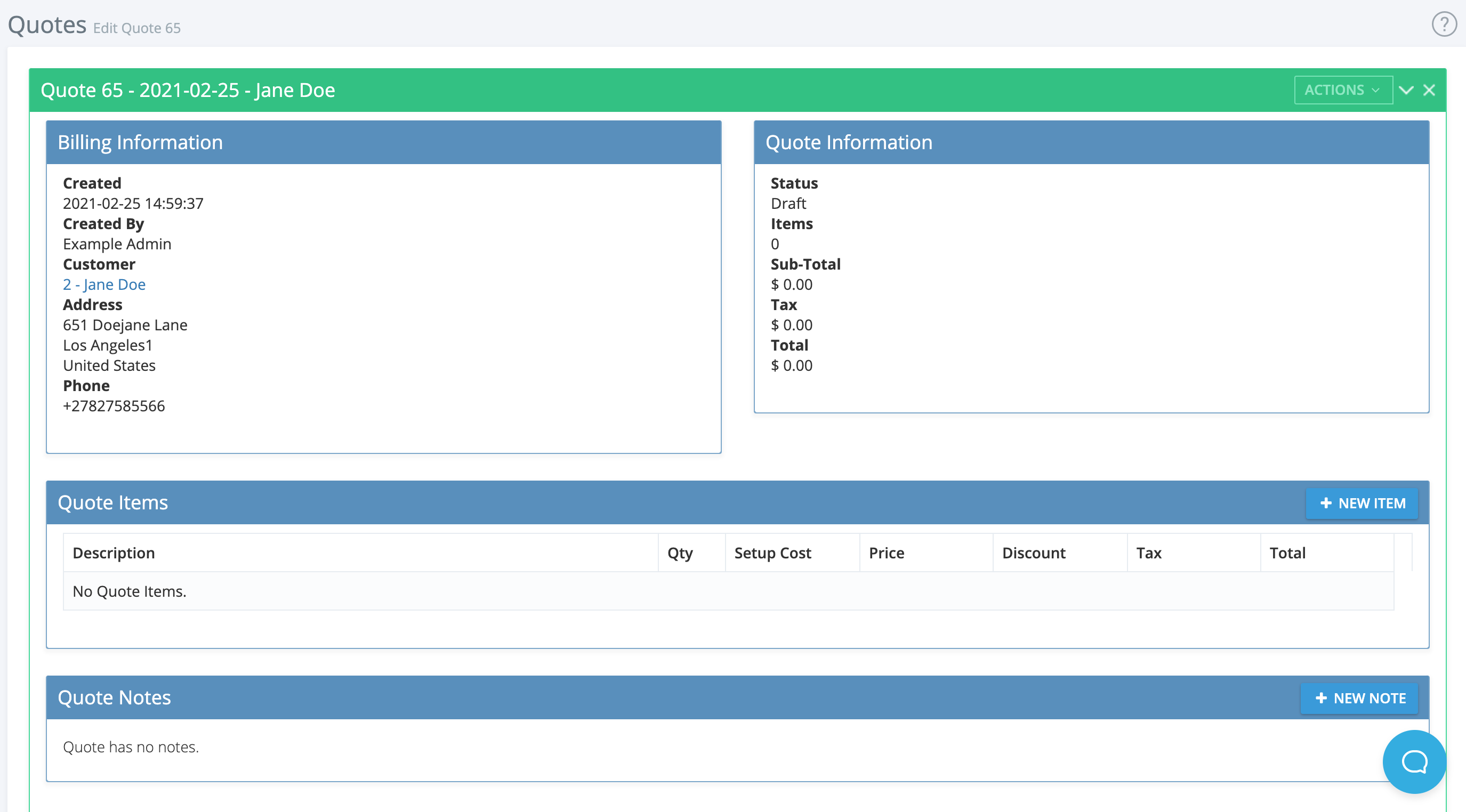
Review Billing Information
-
Check the creation date, creator, customer details, and contact information.
-
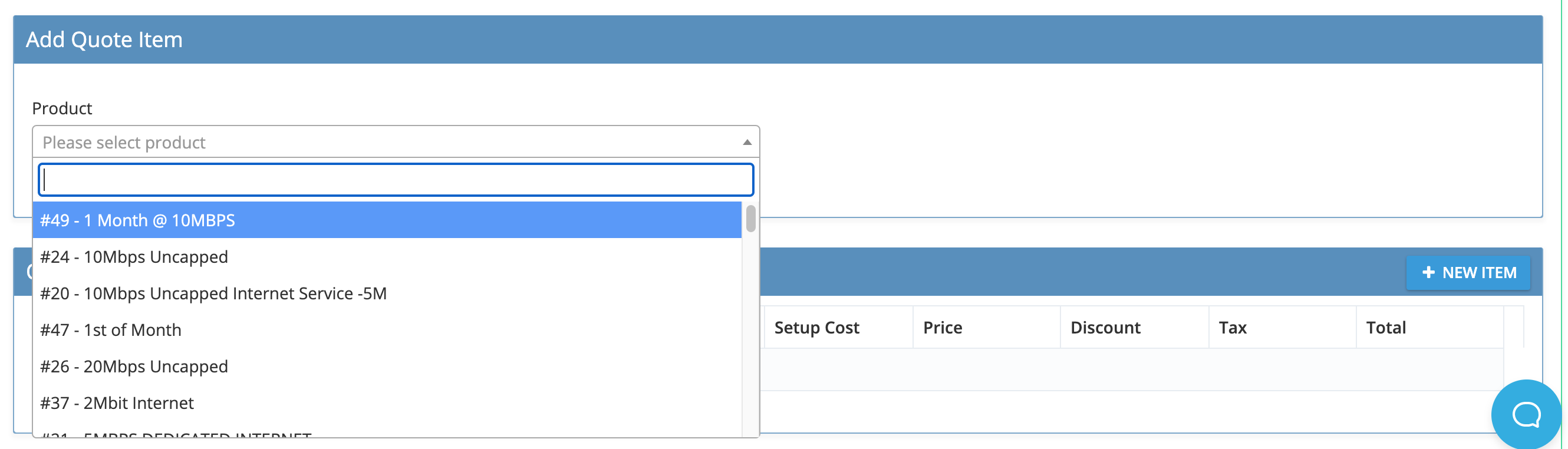
Add Quote Items
-
Use the dropdown to select products or services, then edit descriptions, prices, discounts, and service settings as needed.
-
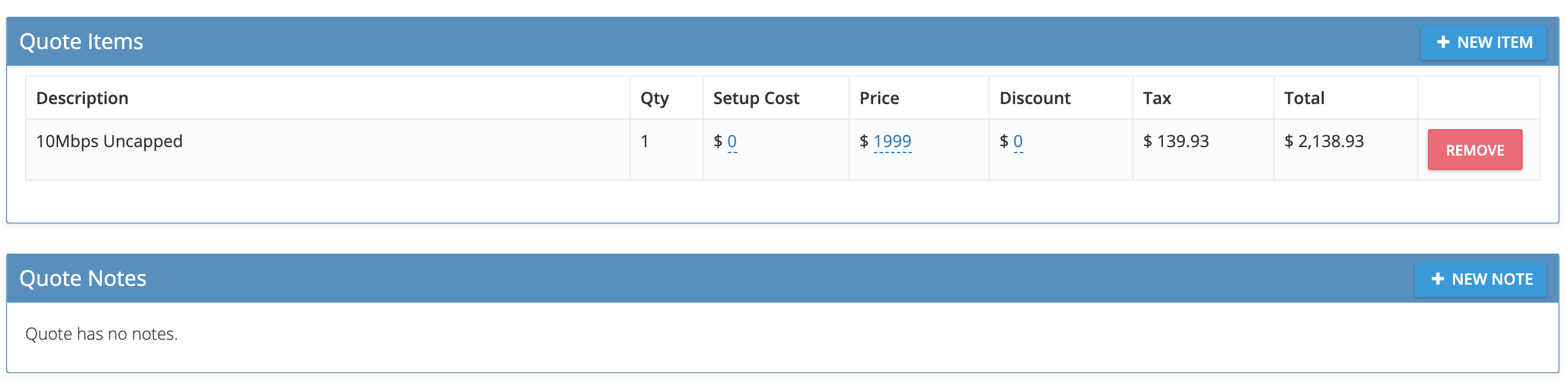
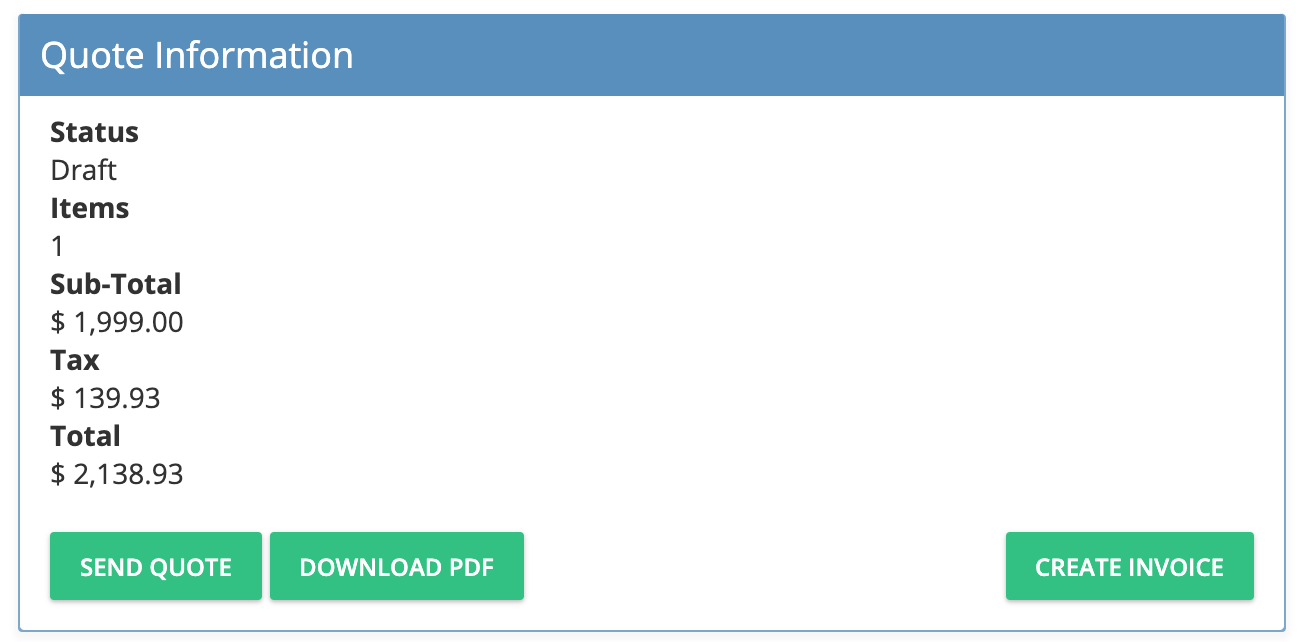
Review and Finalize Quote
-
Confirm all items, add notes, and review the quote summary.
-
Send or Download Quote
-
Send the quote to the customer, download as PDF, or proceed to create an invoice.
-
Create Invoice
- Once the quote is accepted, click Create Invoice to generate the invoice and activate the service.
For further assistance, click the support button at the top right of this page.