Managing Products
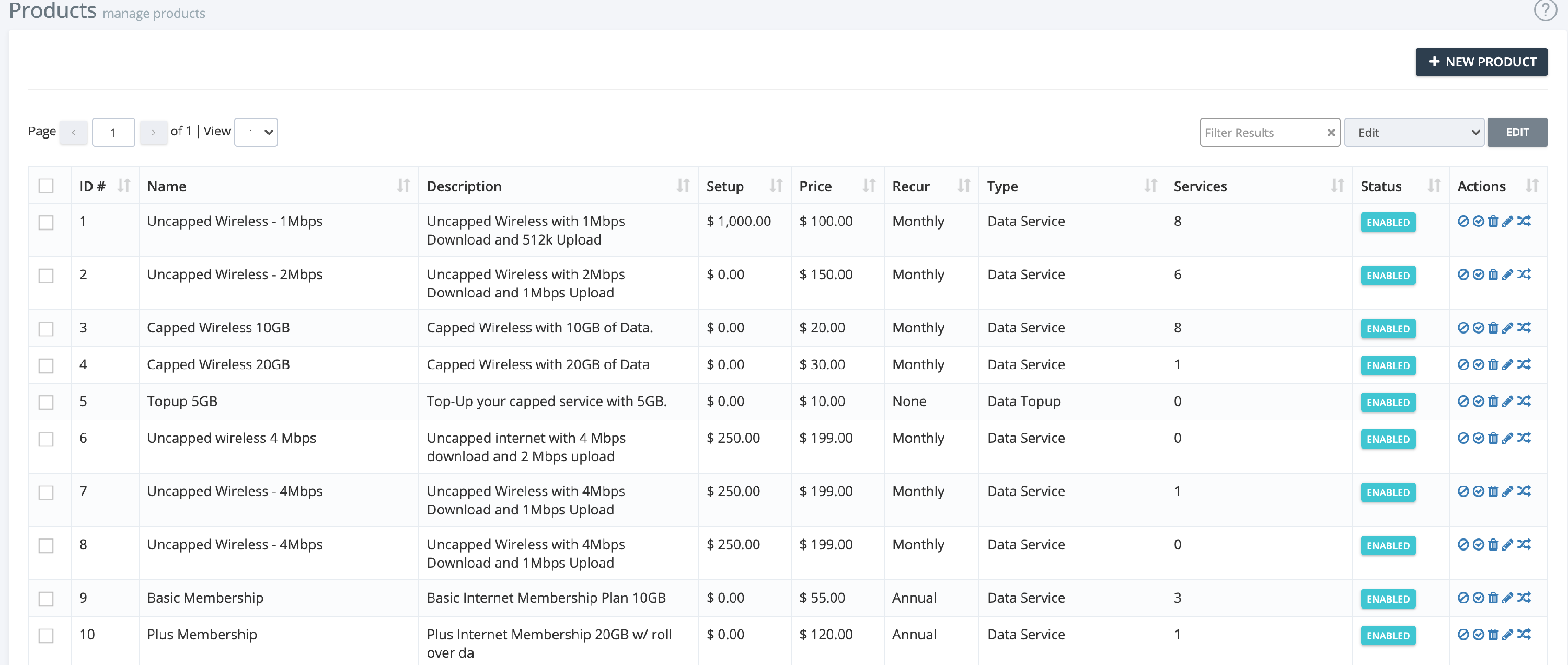
The Products section allows you to view, edit, enable, disable, or delete any product in your iBill.io system. This is essential for keeping your product catalog up to date and ensuring customers have access to the right services.
How to Manage Products
- Select Products: Click the box on the left of the product ID to select one or more products.
- Bulk Actions: Use the top right menu to enable, disable, edit, or delete multiple products at once.
- Individual Actions: Use the icons on the right of each product line for quick actions (edit, enable, disable, delete).
Best Practices
- Regularly review your product list to remove outdated or unused products.
- Use clear names and descriptions for easy identification.
- Test new products before making them available to customers.
For further assistance, click the support button at the top right of this page.