Adding New Products
Adding new products in iBill.io allows you to offer a wide range of services and add-ons to your customers. Products can be regular (core services) or bolt-on (add-ons and upgrades). This guide explains the types of products you can create and how to use the Product Creation Wizard.
Product Types
- Regular Products and Services: Core offerings such as Data Service, VOIP Service, and Generic Products.
- Bolt-on Products and Services: Add-ons like Data Topup, Data Booster, VoIP Bundles, Static IP, and Static Netblock Products.
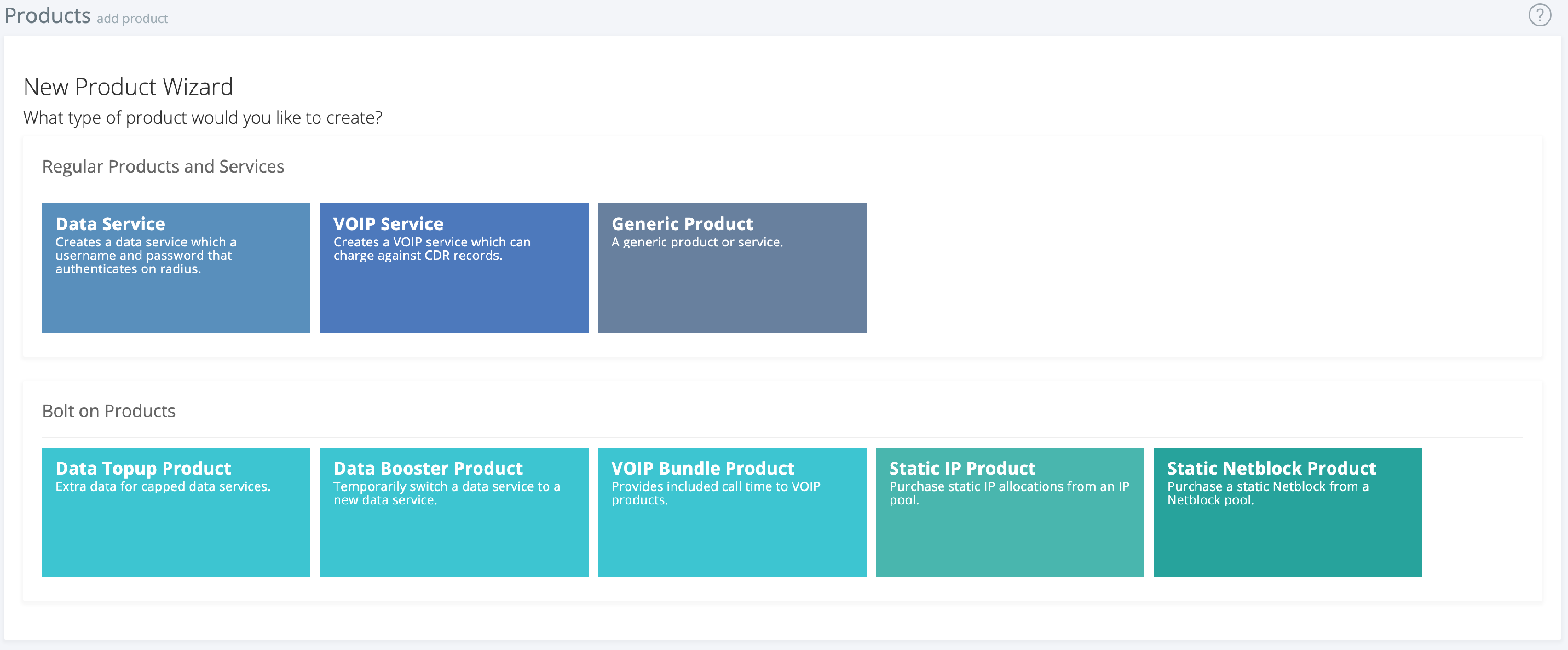
How to Add a New Product
- Select Product Type: Choose between Regular or Bolt-on products.
- Follow the Product Creation Wizard: The wizard will guide you through:
- Product/service selection
- Product information (name, description)
- Pricing and billing options
- Service-specific settings (e.g., data limits, IP pools)
- Confirmation and review
- Save the Product: Once complete, your new product will be available for assignment to customers.
Best Practices
- Use clear, descriptive names for products.
- Regularly review your product catalog to ensure offerings are up to date.
- Use bolt-on products to provide flexible upgrades and add-ons for customers.
If you need further assistance, click the support button at the top right of this page.