Network Map
The Network Map in iBill.io provides a visual overview of your entire network, including customers, services, NAS devices, and reseller locations. This feature helps you quickly assess network health, identify issues, and manage resources geographically.
What You Can View on the Network Map
- Customers: See the locations of all customers with active services.
- Services: Visualize where each service is deployed.
- NAS Devices: Monitor the placement and status of your NAS devices.
- Resellers: View reseller locations and their associated customers.
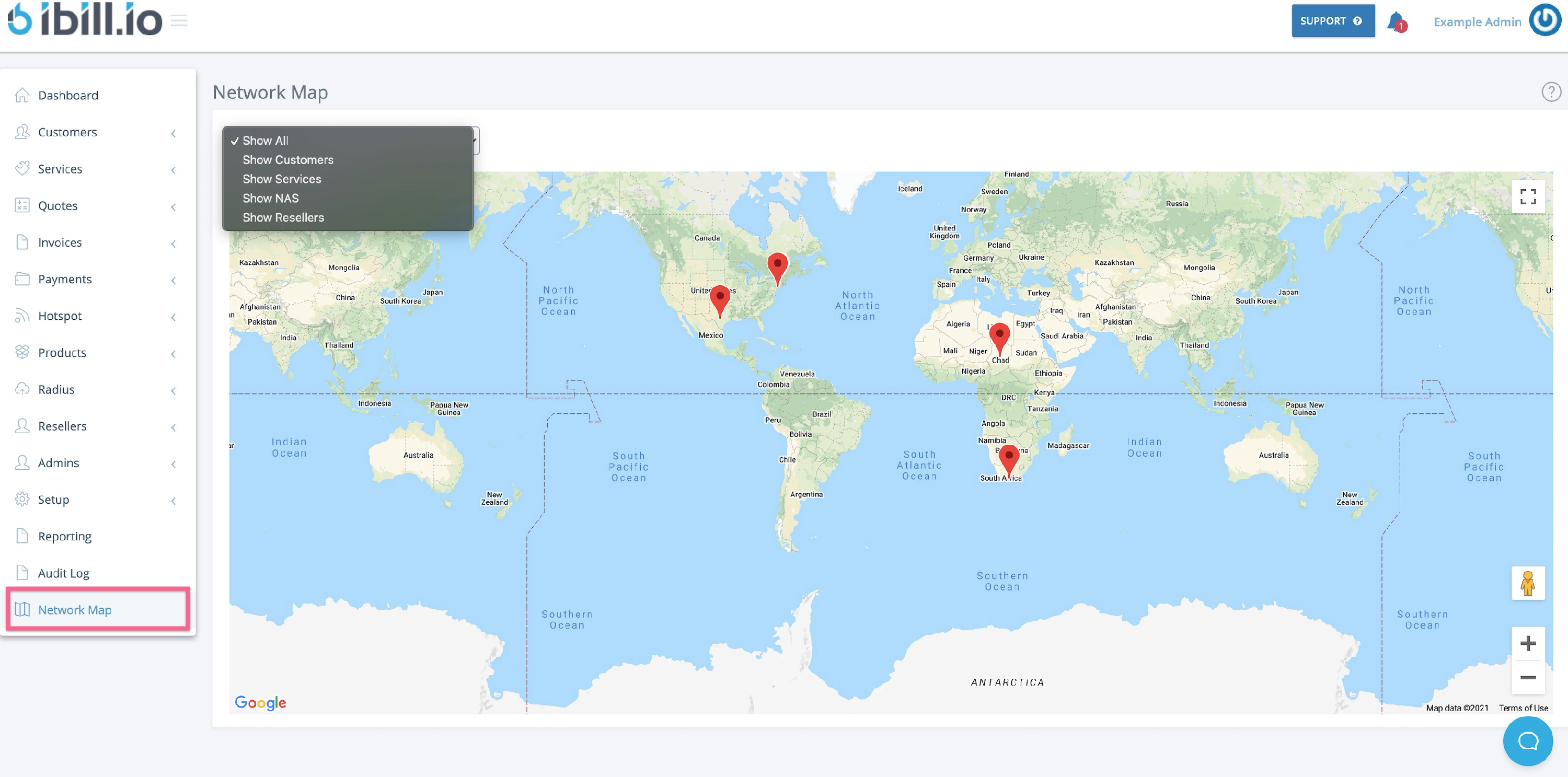
Using the Map
- Use the dropdown to filter by customers, services, NAS, or resellers.
- Click on map markers for more details about each entity.
Best Practices
- Regularly review the network map to ensure all assets are correctly located.
- Use the map to assist with troubleshooting, planning expansions, or responding to outages.
If you need further assistance, click the support button at the top right of this page.