Hotspots Setup
Hotspots allow you to provide flexible, voucher-based internet access at specific locations. This section explains how to enable, configure, and manage your hotspots in iBill.io.
Setting Up Your Hotspots
- Enable Hotspots: Use the checkbox to enable hotspot functionality. Click Update Settings to apply changes.
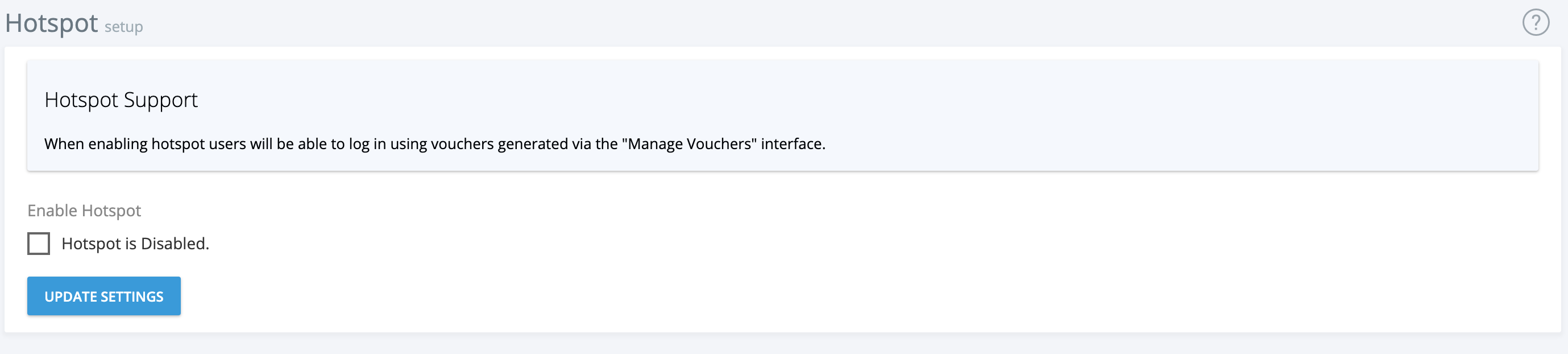
- Use Hotspot Vouchers: Once enabled, users can log in with hotspot vouchers. If disabled, only regular data services can log in to your hotspot controllers.
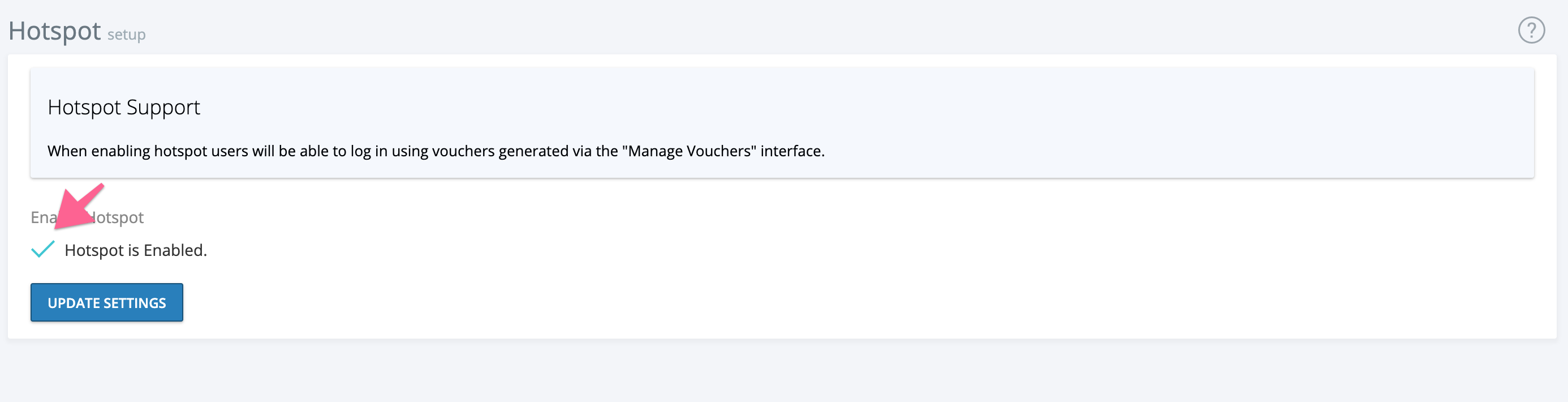
- Disable Hotspots: Click the green tick to disable hotspots, then update settings.
Hotspots are ideal for temporary or public access scenarios, such as cafes, hotels, or events. For more advanced configuration, refer to the Hotspot Vouchers section.
If you need further assistance, click the support button at the top right of this page.