Hotspot Manage Vouchers
Hotspot vouchers allow you to provide temporary or prepaid internet access to users. This section explains how to create, manage, and monitor voucher batches in iBill.io.
Hotspot Voucher Batches
- Create Voucher Batches: Generate multiple vouchers at once for distribution.
- View Current Batches: See all existing batches, including:
- ID
- Name
- Size (number of vouchers)
- Number of used vouchers
- Validity period
- Time and data limits
- Topup info
- Status
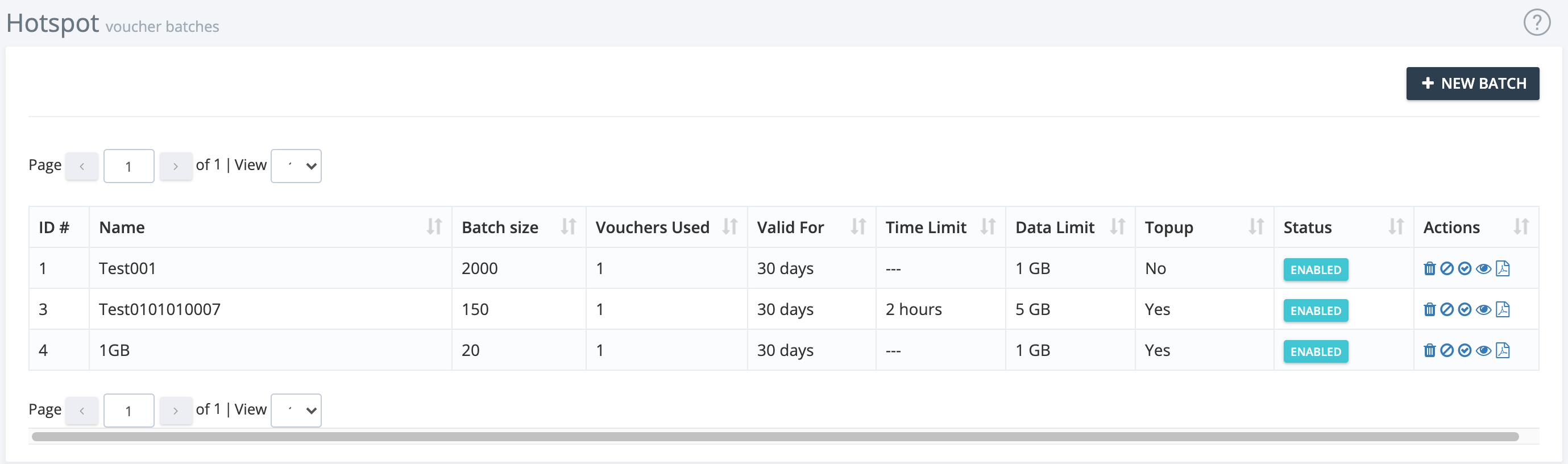
Batch Actions
- Delete, Disable, Enable, View: Use the action icons to manage each batch.

Creating a New Voucher Batch
- Enter Name and Count: Specify the batch name and number of vouchers.
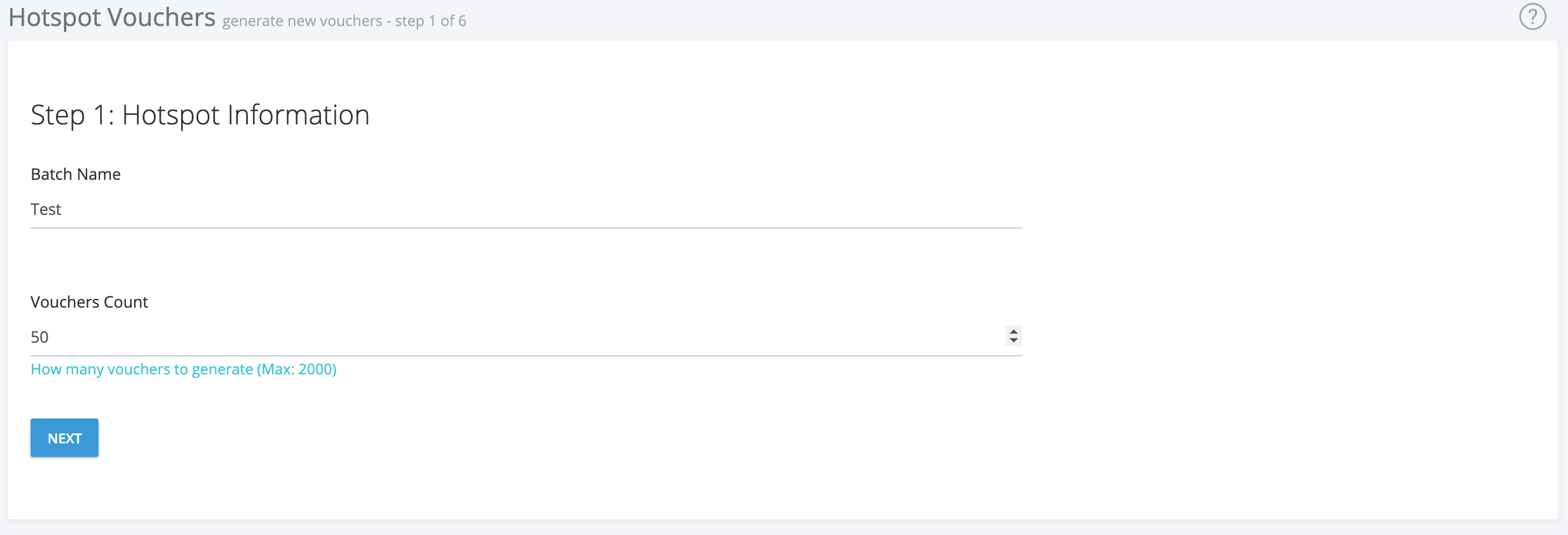
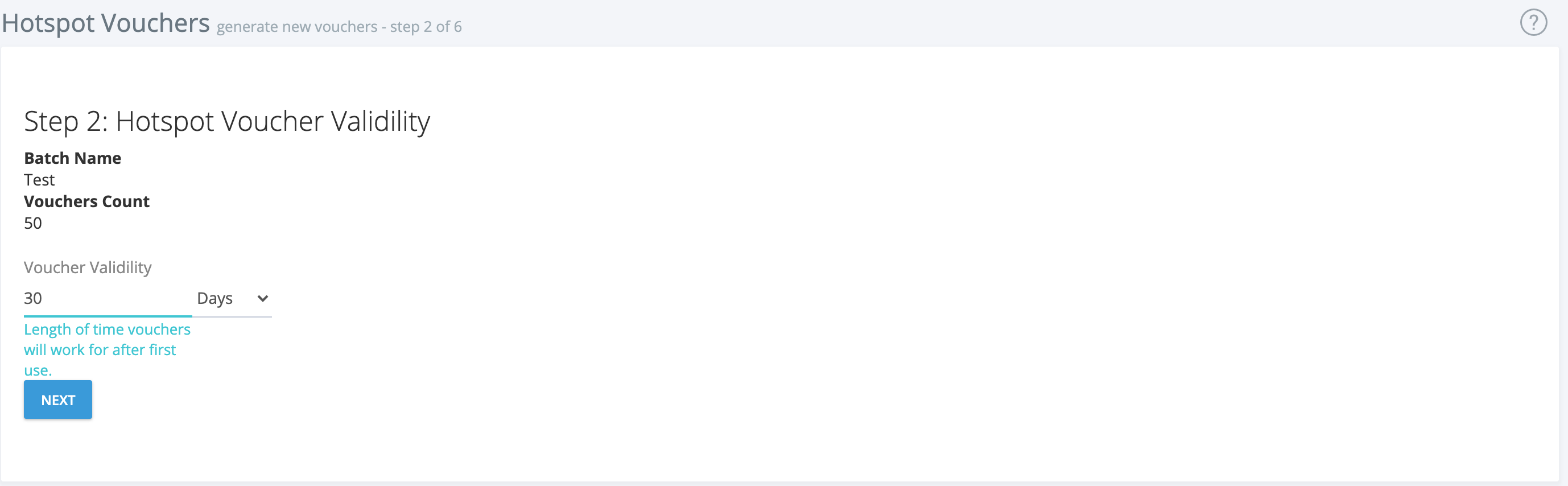
- Set Validity: Choose how long vouchers are valid (days, hours, months).
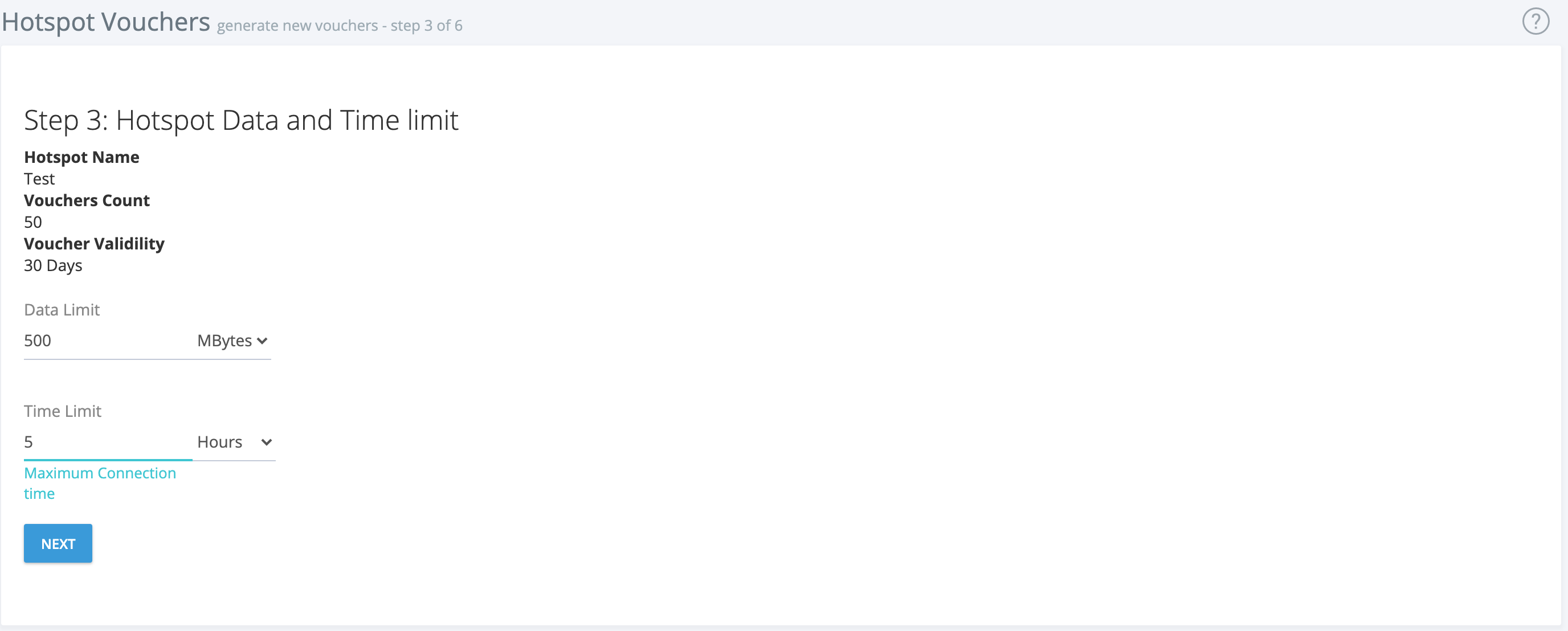
- Configure Limits: Set data and time limits for each voucher.
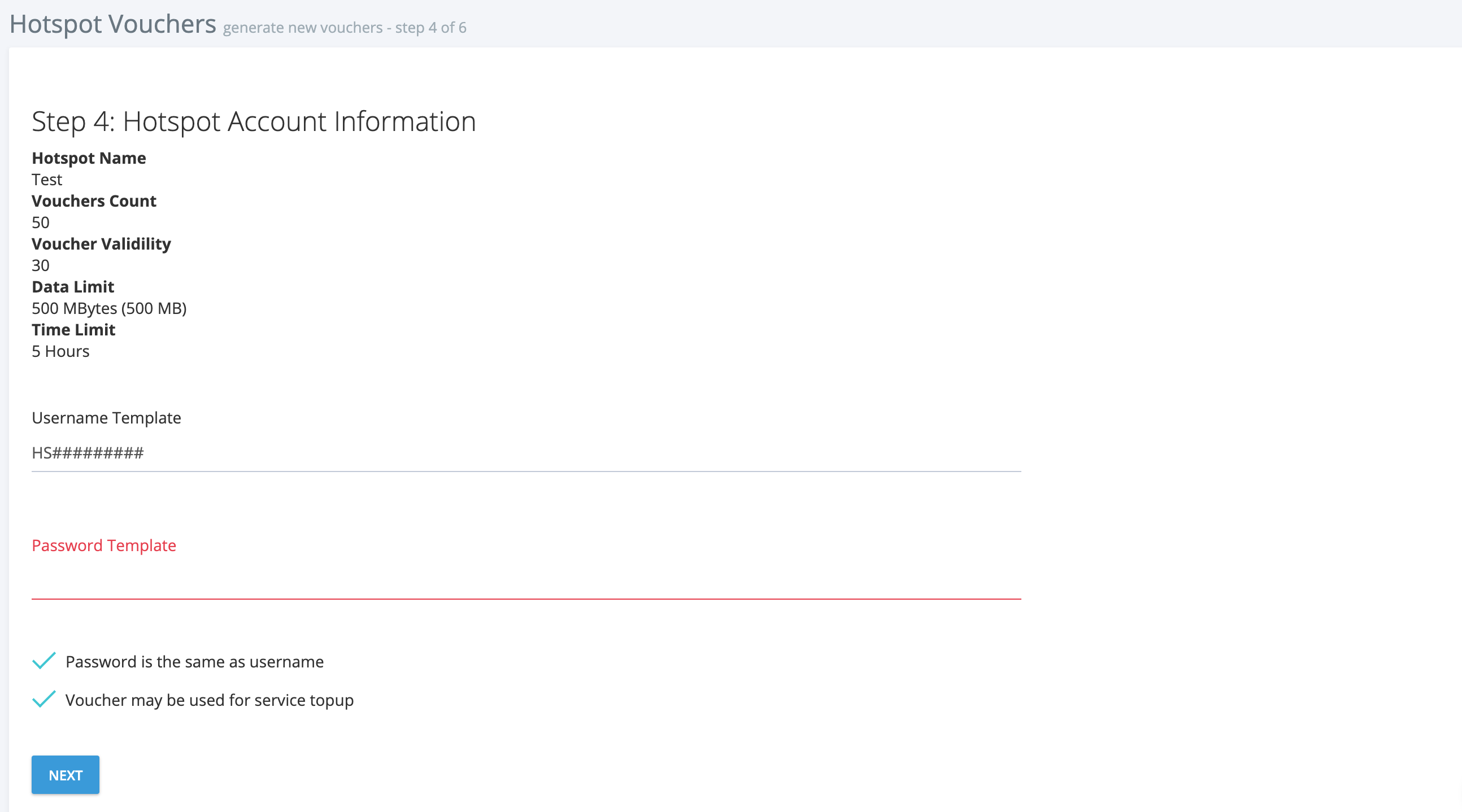
- Set Credentials and Topup Options: Enter username/password or use auto-generation. Choose if vouchers can be used for topups.
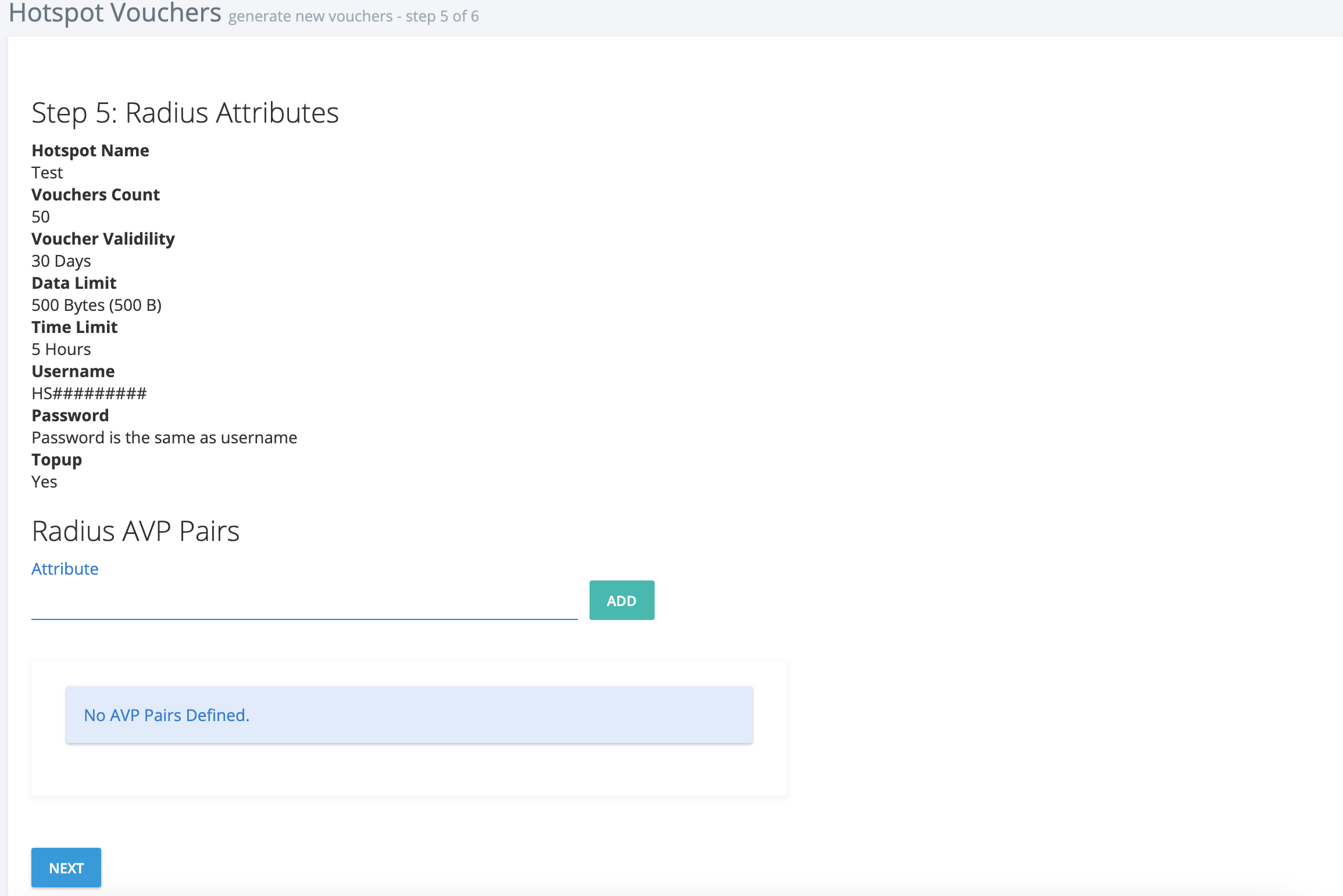
- Add RADIUS AVP Pairs (optional): For advanced configuration.
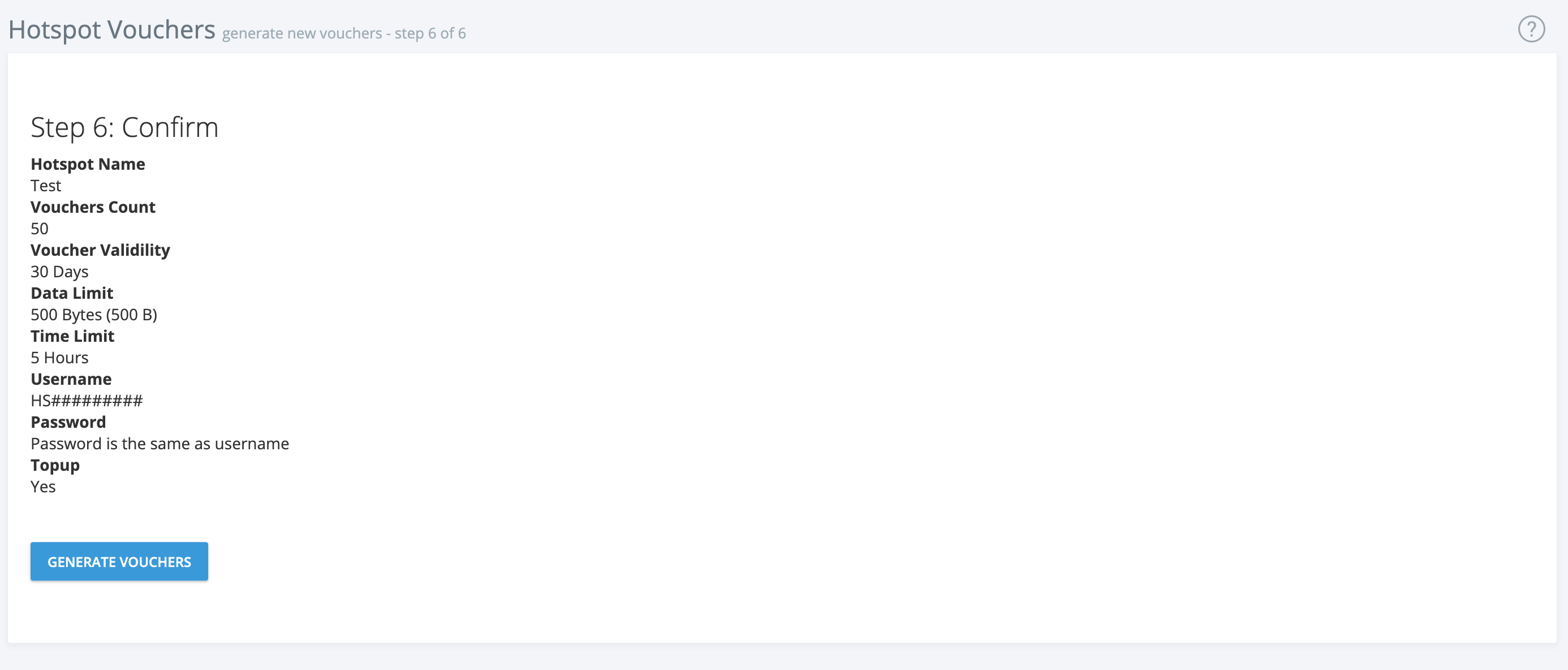
- Confirm and Generate: Review details and generate the vouchers. The new batch will appear in the Manage Vouchers section.
If you need further assistance, click the support button at the top right of this page.