Add a New Customer
Adding new customers is a core function of your iBill.io system, allowing you to manage client accounts, services, and billing efficiently. This guide walks you through the process and highlights the information you can manage for each customer.
How to Add a New Customer
-
Open the Add Customer Page
Access this section from the Customers menu or by clicking the help link on the top right of the page. -
Enter Required Information
- Full Name
- Email Address
- Password (minimum 6 characters; leave blank to auto-generate)

- Enter Optional Information
- Telephone Number
- Address Details
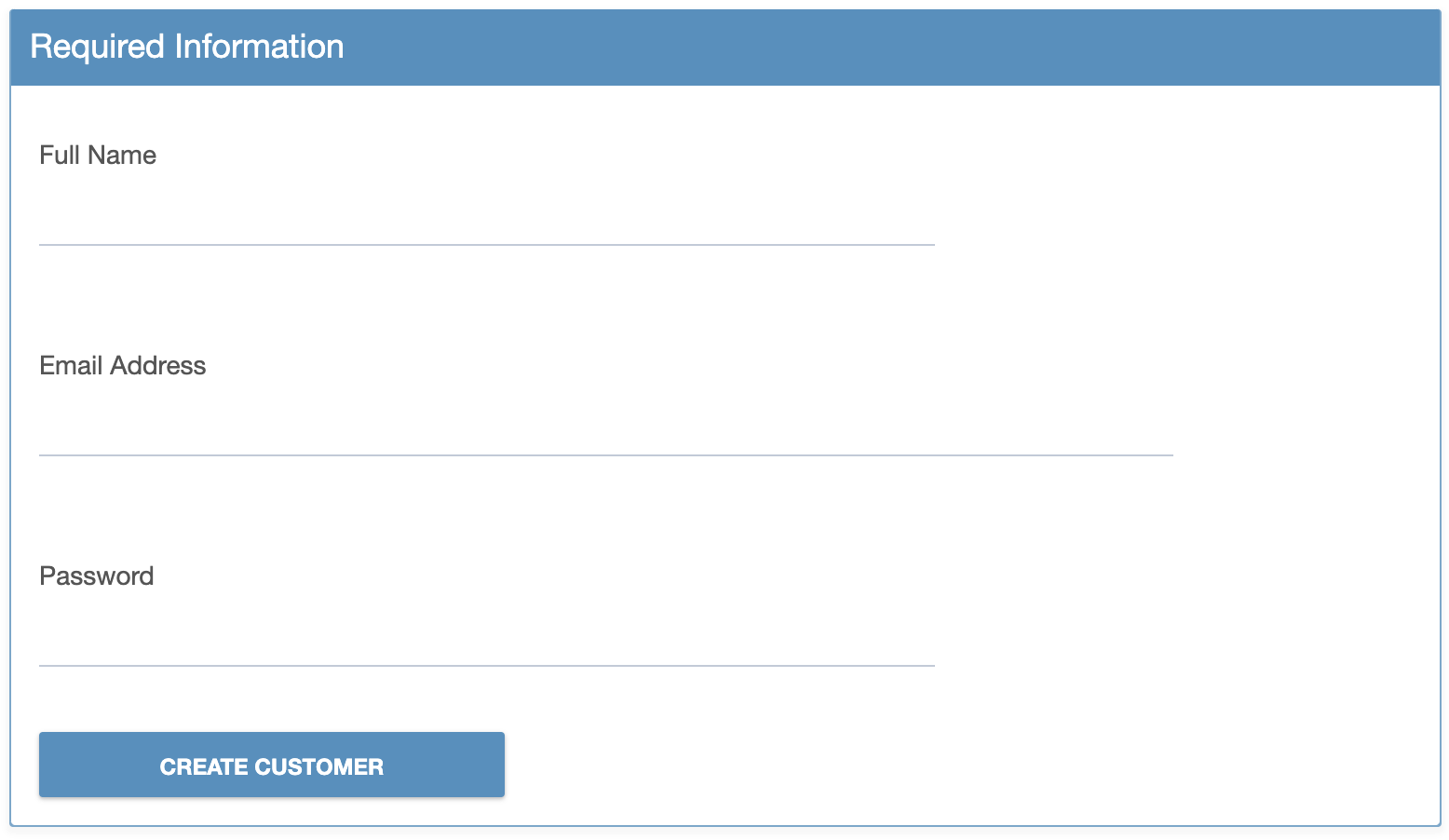
You can add or update telephone and address details later if needed.
- Create the Customer
Click CREATE CUSTOMER to save the new customer. You will be directed to their full information page.
Customer Information Overview
- Left Side: View customer ID, name, email, registration date, services, balances, and invoices.
- Right Side: Edit customer details, assign to a reseller, and update billing settings.
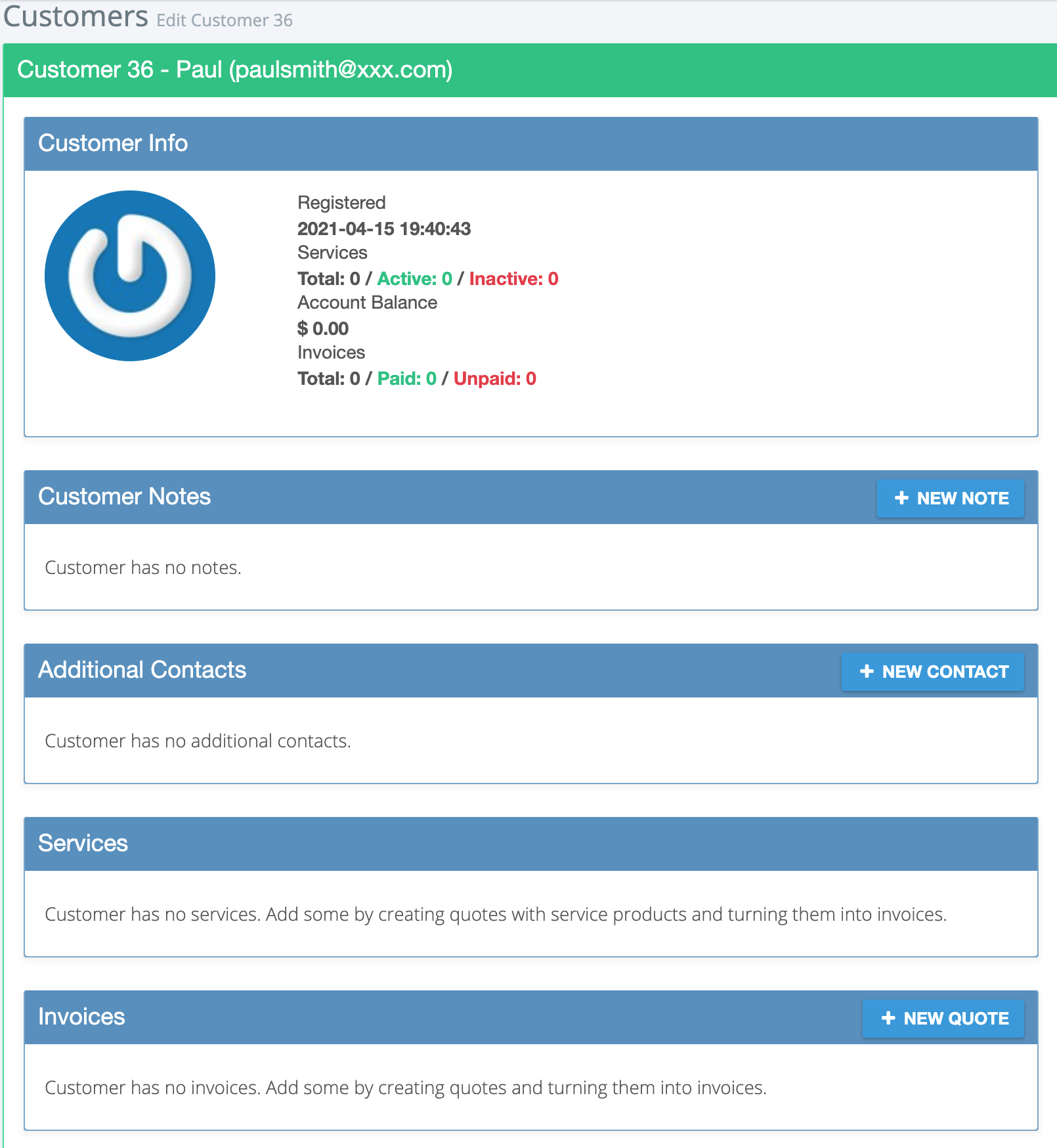
- Billing Settings: Set tax ID, ID/SSN, tax rate, and choose whether to suspend for late payment.
- Location: Add or update address and GPS coordinates.
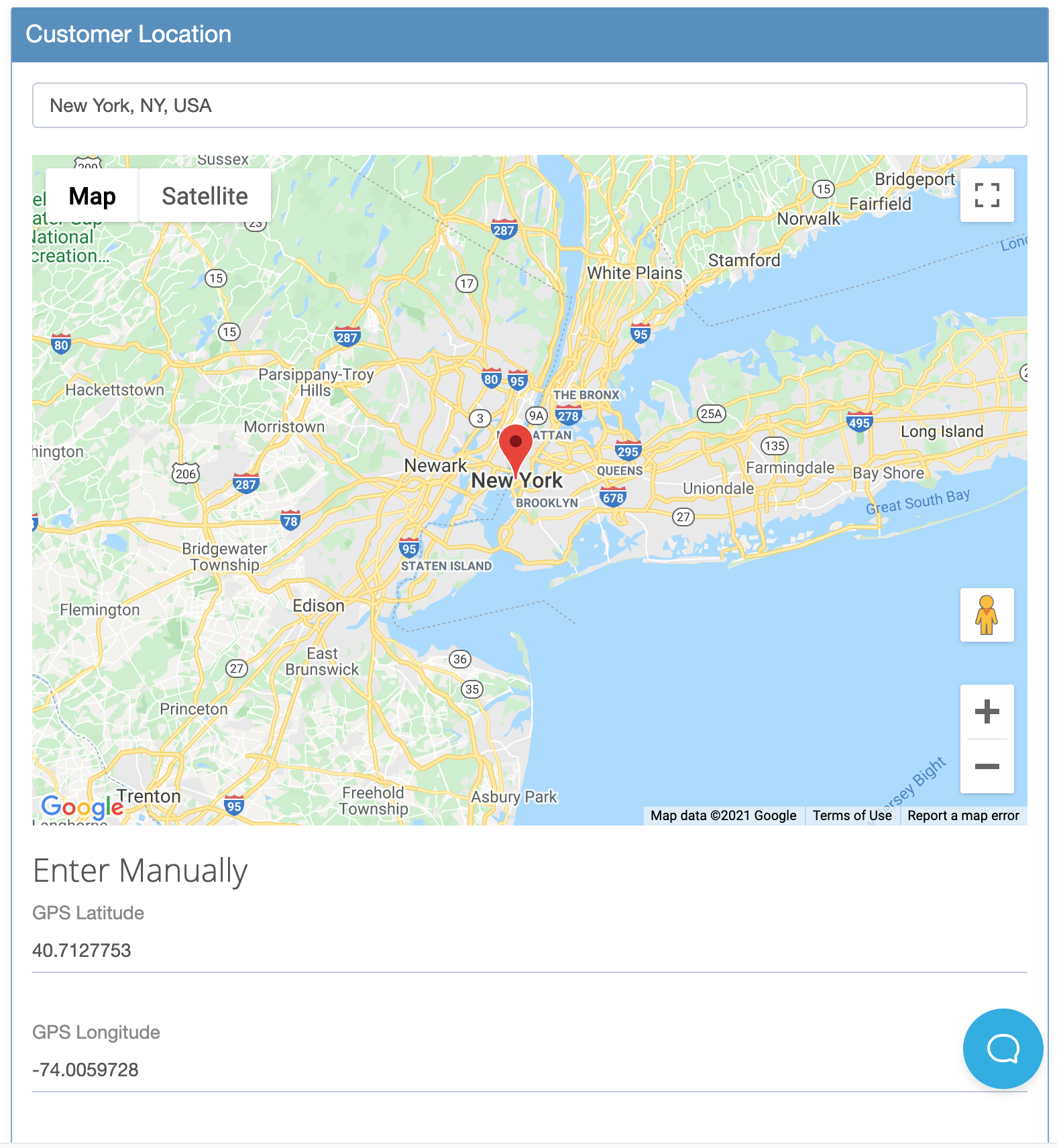
What You Can Do Next
- Add notes, contacts, services, invoices, quotes, tags, custom FX rates, and credits.
- Edit customer details and billing settings at any time.
If you need further assistance, click the support button at the top right of this page.