Managing Groups
Admin groups help you organize and control access for your administrative users. By assigning admins to groups with specific permissions, you can ensure each team member has the right level of access for their responsibilities.
Editing and Deleting Groups
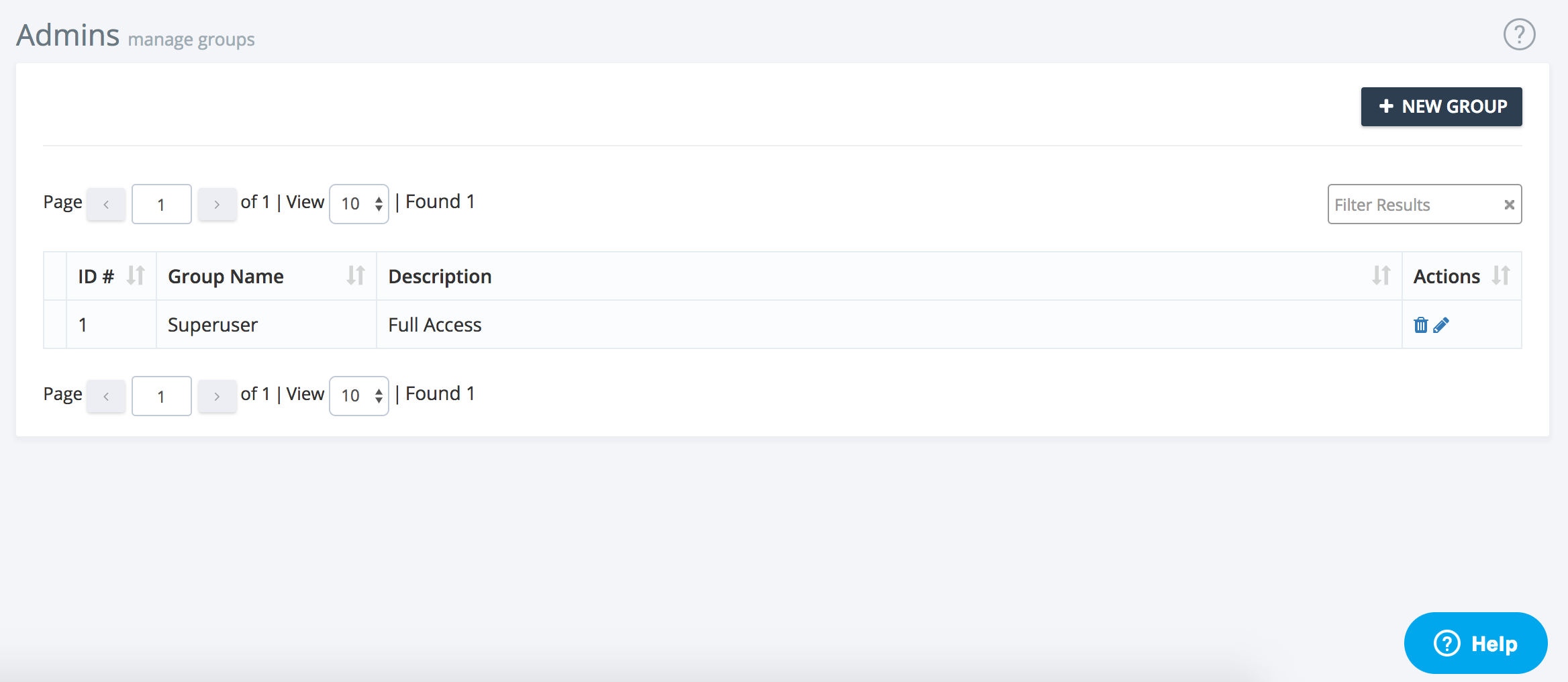
- Edit Groups: Update a group’s name, description, or permissions as your organization’s needs change. Editing a group allows you to fine-tune access for all admins assigned to that group.
- Delete Groups: Remove groups that are no longer needed. Before deleting, ensure no admins are assigned to the group or reassign them as appropriate.
Sorting and Managing Groups
- Sort groups by ID, name, or description to quickly find the group you need.
- Assign or reassign admins to groups as roles and responsibilities evolve.
Best Practices
- Review group permissions regularly to maintain security.
- When granting new permissions, consider the principle of least privilege—only give access that is necessary for the admin’s role.
If you need help managing groups, use the support button at the top right of this page.